This feature exists because everyday web activity generates large amounts of personal data. Standard browsing modes often retain this information on devices, making it accessible to anyone using the same system later. Private browsing helps reduce this footprint by keeping sessions temporary.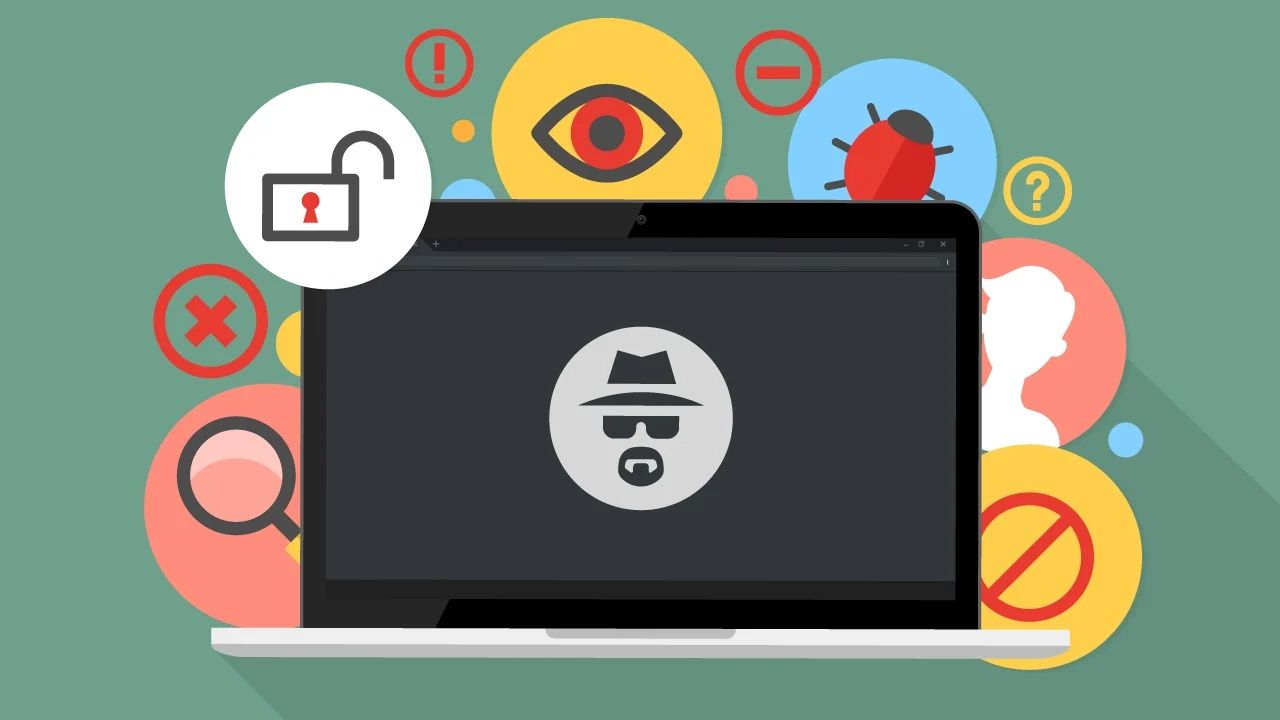
Often referred to as incognito mode or private mode, private browsing focuses on device-level privacy. It does not make users invisible online, but it does prevent certain data from being stored locally. As awareness of digital privacy grows, private browsing has become a common starting point for individuals seeking better control over their online activity.
Importance: Why Private Browsing Matters for Everyday Internet Users
Private browsing matters because it supports safer and more conscious online behavior. It affects students, professionals, families, and anyone who uses shared or public devices.
Key reasons private browsing is important include:
-
Reduced local tracking: Browsing history and session data are not saved after closing the window
-
Shared device protection: Helpful when multiple users access the same computer
-
Temporary login sessions: Accounts signed into during private browsing are cleared afterward
-
Search privacy support: Queries are not stored in the browser’s history
-
Improved digital awareness: Encourages users to think about online privacy practices
While private browsing does not hide activity from internet providers or websites, it plays an important role in personal device privacy. Combined with informed habits, online privacy becomes easier to manage.
For many users, private browsing acts as a practical layer within broader secure browsing strategies.
Recent Updates: Evolving Browser Privacy Features and User Controls
Recent developments around private browsing focus on stronger tracking protection and clearer privacy controls rather than simple history deletion.
Key trends seen in recent periods include:
-
Enhanced tracker blocking: Browsers increasingly limit third-party tracking during private sessions
-
Improved cookie handling: Temporary cookies are isolated more effectively
-
Stronger fingerprinting defenses: Some browsers reduce device-identification techniques
-
Clearer privacy dashboards: Users can better see what data is being limited
-
Integration with privacy settings: Private browsing works alongside wider browser privacy tools
These changes aim to make browser privacy settings easier to understand while strengthening baseline protections during private sessions.
Laws or Policies: How Digital Privacy Regulations Influence Private Browsing
Private browsing operates within wider digital privacy frameworks that govern how personal data is collected and processed online. While laws differ by region, most modern regulations emphasize transparency, consent, and user control.
Common regulatory themes include:
-
Data protection requirements defining how online information is handled
-
Consent frameworks for cookies and tracking technologies
-
User rights provisions allowing individuals to manage stored data
-
Platform accountability rules encouraging responsible data practices
These policies indirectly shape how browsers design private browsing features. As privacy regulations mature, browser developers continue refining tools that help users align their activity with modern digital standards.
Tools and Resources: Helpful Features Supporting Secure Browsing
Private browsing works best when combined with additional privacy-focused tools and settings. Many browsers provide built-in resources that complement private sessions.
Common tools and references include:
-
Privacy dashboards showing blocked trackers and cookies
-
Site permission managers for camera, location, and microphone access
-
Password managers supporting safer account handling
-
Security checkups reviewing saved credentials and settings
-
Educational privacy centers explaining safe browsing habits
Together, these tools strengthen secure browsing and help users understand how their information moves online.
Key Aspects of Private Browsing and Online Privacy
| Feature Area | What It Controls | Practical Impact |
|---|---|---|
| Private browsing mode | Local history and cookies | Clears session data after closing |
| Incognito mode | Temporary browsing sessions | Prevents stored searches |
| Browser privacy settings | Permissions and tracking | Improves user control |
| Secure browsing tools | Threat detection | Supports safer navigation |
| Online privacy features | Data visibility | Limits unwanted exposure |
Understanding these areas helps users apply private browsing more effectively.
FAQs
What does private browsing actually do?
Private browsing prevents local storage of history, cookies, and temporary files once the session ends.
Is incognito mode the same as private browsing?
Yes. Incognito mode is simply another name used by some browsers for private browsing.
Does private browsing hide activity from websites?
No. Websites can still see visits. Private browsing mainly limits data stored on the device.
Can private browsing improve online privacy?
It supports online privacy at the device level, especially on shared systems.
Should private browsing replace normal browsing?
Both modes serve different purposes. Private browsing is useful for temporary or sensitive sessions.
Conclusion: Using Private Browsing as Part of Smarter Digital Habits
Private browsing provides a simple way to reduce locally stored data during online sessions. While it does not replace broader privacy measures, it plays an important role in everyday digital awareness.
By understanding how private browsing, incognito mode, and browser privacy settings function together, users can make more informed choices about their online activity. Combined with secure browsing practices and privacy tools, private browsing supports a more controlled and thoughtful internet experience.